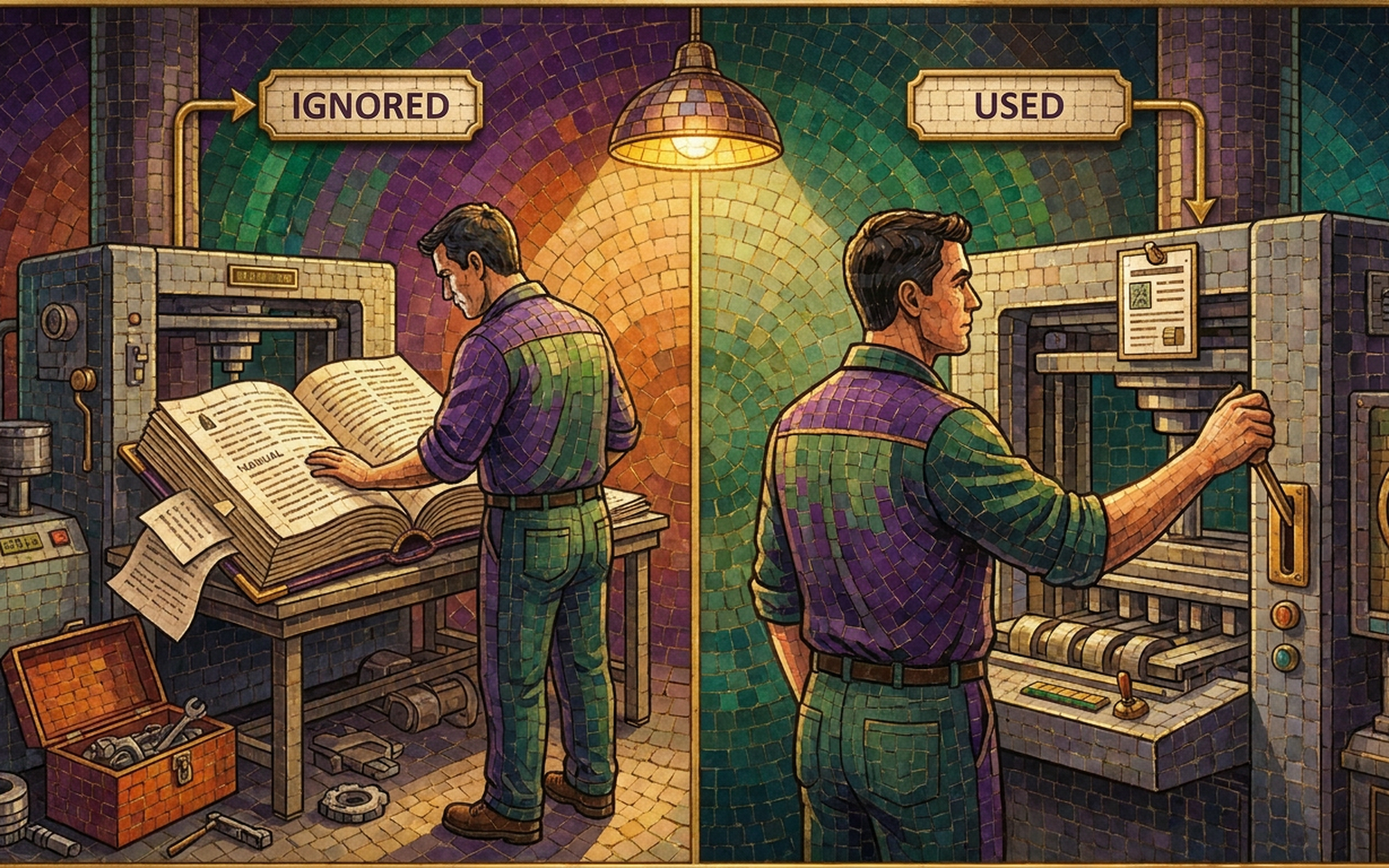
A customer once called our plant to ask which way a bearing faced. The answer was in the manual we'd shipped with the machine, on page 61, inside a parts table that identified the bearing by part number instead of by name. The information was there. It had simply been filed somewhere nobody with a stopped line would ever look.
Why do most product manuals go unread?
Most manuals are written to be complete instead of usable. They cover every feature in the order engineering built them, which is rarely the order a reader needs. A manual isn't a record of what the product can do. It's a set of answers, arranged by the question the reader is most likely to arrive with.
The instinct toward completeness is defensible. Nobody gets criticized for including too much, and leaving something out is the failure everyone can name. The cost of including everything is harder to see, because it shows up later as a reader who couldn't find the one paragraph that would have helped.
I can tell you when a manual has failed without reading a page of it. Walk the floor and look for the index card taped to the machine. Somebody wrote out the startup sequence by hand, laminated it, and stuck it where the work happens, because retrieving it from the manual took longer than the task itself. That card is the manual now. Everything on the shelf is documentation nobody consults.
Who is actually reading it?
Three people, usually, and they want different things. Someone installing the product for the first time, someone using it daily who needs one specific answer, and someone repairing it while production is stopped. A single continuous document serves the first reader tolerably and the other two badly.
The installer is the only one who reads front to back, once, and never again. The daily operator searches. She knows her task and she's looking for a number, a sequence, or confirmation that what she's seeing is normal. The person troubleshooting is under the most pressure and has the least patience for your organizing scheme, because the line is down while he reads.
When I raise this, the objection comes back immediately and it's fair: we can't afford to write three manuals. You don't have to. You need three clearly divided sections, each with its own contents page and its own tab, so a reader lands in the right one without traveling through the other two.
How should a product manual be organized?
By task, in the order the reader meets them. Unpacking and installation, first use, daily operation, maintenance, troubleshooting, then specifications. Head every section with what the reader is trying to accomplish rather than what the component is called. Parts lists and spec tables belong at the back, where reference material has always belonged.
The manual I inherited had a contents page organized by subsystem. Hydraulic System. Control Panel. Feed Assembly. Drive. Perfectly logical if you built the machine. The operator clearing a jam doesn't know which subsystem owns a jam and has no reason to care. She knows she has a jam.
Rewriting it meant renaming the sections after tasks people actually performed. Clearing a Jam. Changing the Filter. Starting Up After a Power Loss. None of the technical content changed. The support calls dropped anyway, because a reader could scan the contents page and find her own situation on it.
There's an easy test for this, and it takes ten minutes. Hand the contents page to someone who has never touched the product, describe a problem, and watch which section they turn to. If they hesitate, the headings are named after your organization instead of their task.
What belongs in the manual, and what belongs on the machine?
Anything needed during a task, at the moment of the task, belongs where the task happens. Startup sequences, jam clearing, lockout steps and torque values earn a label or a card at the point of use. The manual holds what someone reads sitting down, before or after. Making that split deliberately is what stops a technician from making it for you.
The card taped to the machine isn't a sign of an undisciplined operator. It's a correct instinct acted on without your involvement, and the version they write contains what they remember rather than what you'd have told them. One plant I visited had a hand-lettered card that skipped a lockout step, not out of recklessness but because the man who wrote it had performed that step so many thousands of times he no longer counted it as one.
Design the on-machine layer yourself and it says what you want it to say. Leave it to chance and you still get one.
How do you write a troubleshooting section people use?
Index it by symptom, not by cause. The reader knows what he's seeing and has no idea why. A table that begins with "Machine won't start" and lists causes in order of likelihood gets used. The same information arranged by subsystem or fault code gets skipped in favor of a call to your support line.
Order the causes by how often they occur rather than how serious they are. A reader works down the list from the top, and putting the rare catastrophic cause first spends everyone's time on every call. Say plainly which checks take thirty seconds and which need a technician.
Every support call you take is a missing row in that table. Log them for six months and write the section from the log, which gives you a troubleshooting guide grounded in what goes wrong instead of what somebody predicted would. The first time I did this, two of the top five call reasons turned out to be one confusing label on a control panel, and the fix was a sticker rather than a paragraph.
Tell the reader what normal looks like, too. A good share of calls are somebody asking whether a sound, a temperature or a delay at startup is a problem. One sentence describing the normal condition closes a question the manual currently leaves open.
Where do warnings belong?
Beside the step they apply to, and only where a real hazard exists. A manual that opens with six pages of undifferentiated warnings teaches the reader to skip warnings, which is the reverse of what those pages were meant to do. The warning that stops a hand is the one printed in the sentence where the hand moves toward the blade.
Attention isn't unlimited, and a signal repeated everywhere stops carrying information. When every page carries a caution icon, the icon comes to mean "this is a manual" instead of "stop." Reserve it and it works.
Your counsel decides what has to appear and in what form. Where it appears in the document is still a writing decision, and it's usually available to you. I've moved required blocks into a reference appendix at the back while placing a short, specific warning at each hazardous step, and the lawyers were satisfied, because every word they required was still in the book.
Should your engineer write the manual?
They should be interviewed for it rather than asked to write it. Someone who designed the product can no longer see the steps he performs automatically, and those steps are exactly what a new user needs. Carelessness has nothing to do with it. It's what expertise does to memory, and it's why the draft comes back technically complete and still unusable.
I've written about why your best employee writes the worst documentation, and product manuals are where I watch it happen most reliably. The engineer's draft will be accurate. It will also assume the reader knows which end is the front.
The fair objection is that a writer who doesn't know the product will get things wrong. True, and that ignorance is temporarily useful: the questions the writer has to ask are the questions your customer will have. Accuracy comes back through review. The engineer corrects the draft, which takes a fraction of the time and produces something a stranger can follow.
If you already have a manual that isn't working, don't start over. Rewrite the first-use section and the troubleshooting table, since those two carry most of the support calls, and leave the rest until it earns the attention. The groundwork is the same as any other operations project, which I've covered in how to document a process and how to write an operations manual people use.
When I take on technical writing work, I ask to watch somebody use the product before I read a single specification. More about how projects run is on the FAQ, and if you have a manual generating more calls than it prevents, book a discovery call and bring it with you.
Frequently asked questions
How should a product manual be organized?
By task, in the order the reader encounters them: unpacking and installation, first use, daily operation, maintenance, troubleshooting, then specifications. Section headings should name what the reader is trying to accomplish rather than what the component is called. Parts lists and specification tables belong at the back as reference material.
Why don't people read product manuals?
Because most manuals are written to be complete rather than usable. They cover every feature in the order the product was built, which is rarely the order a reader needs. When finding an answer takes longer than the task itself, people stop looking and write their own instructions instead.
Should the engineer who designed the product write the manual?
They should be interviewed for it and should review it for accuracy, but they are the wrong person to write the first draft. Someone who knows a product well can no longer see the steps they perform automatically, and those are exactly the steps a new user needs written down.
How do you write a troubleshooting section people actually use?
Index it by symptom rather than by cause, since the reader knows what is happening and not why. List possible causes in order of how often they occur, note which checks are quick and which require a technician, and build the table from your own support call log rather than from prediction.